
 Youtube Showcase
 Join our Discord
AH Hairtie — V1.0.0 (ah_hairtie)
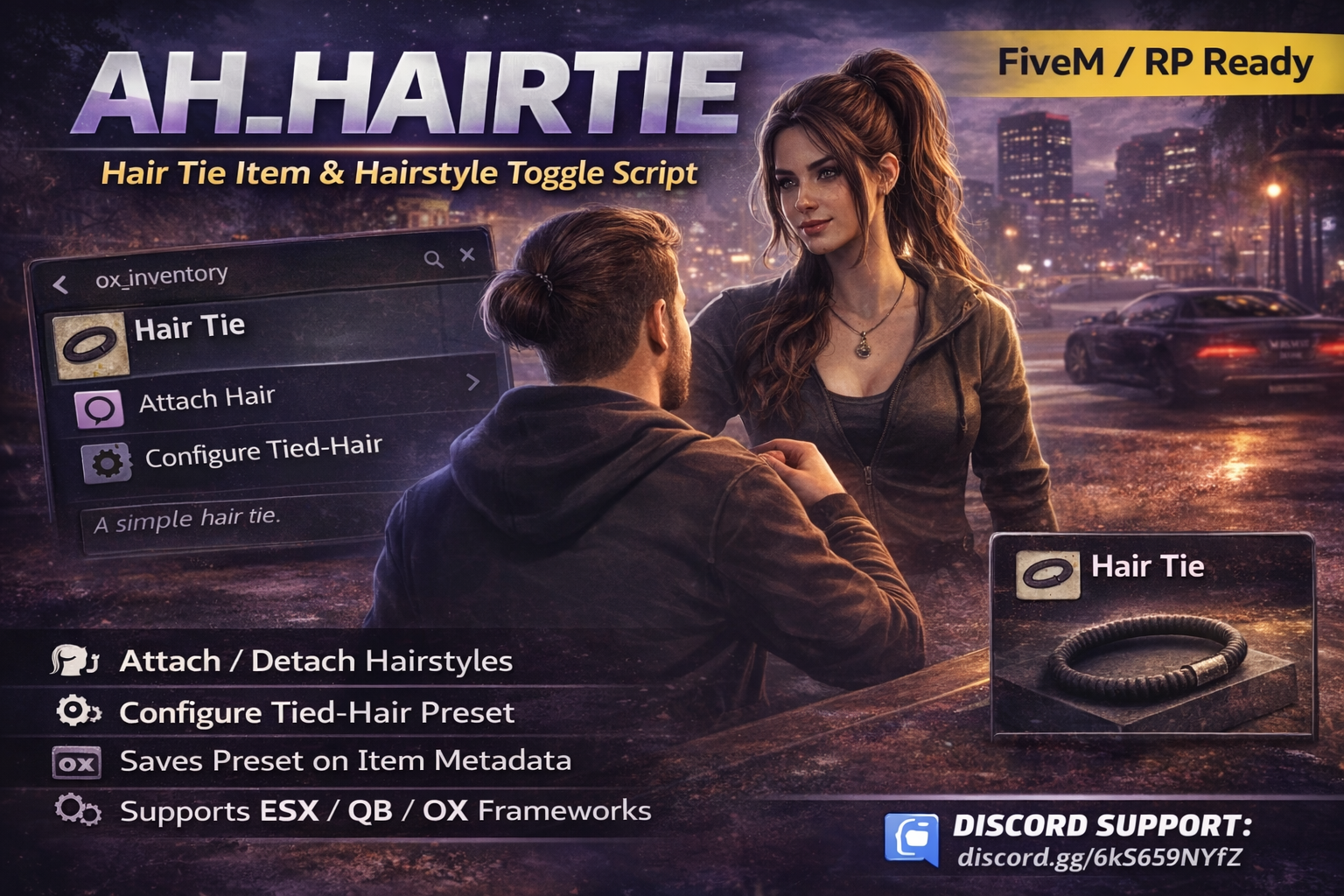
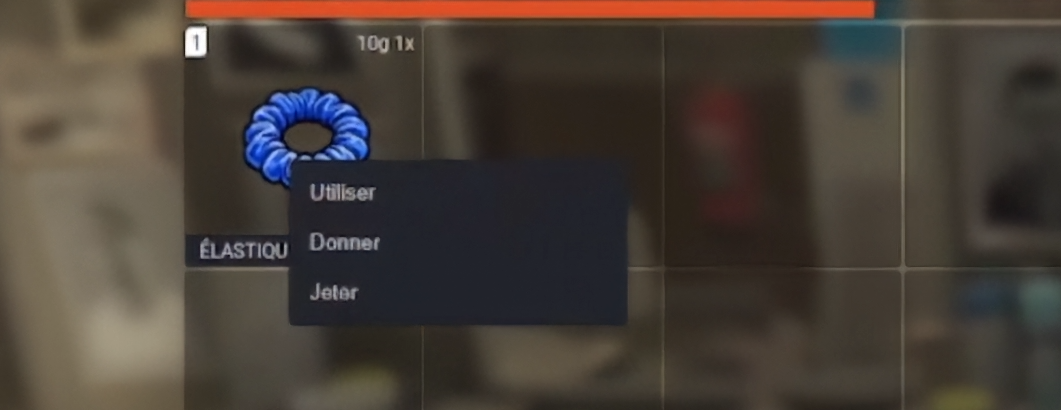
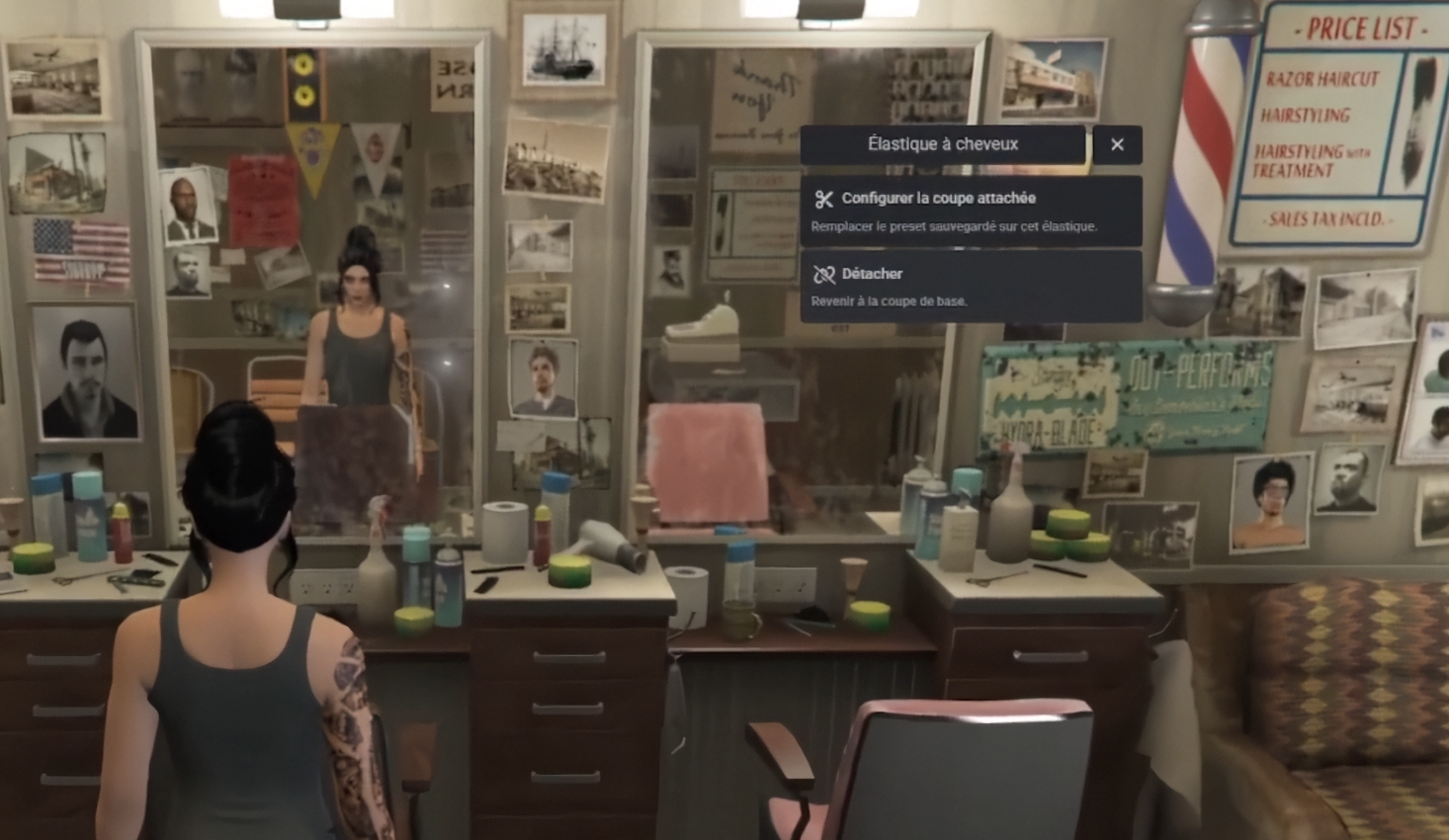
Give your players a simple but super immersive RP feature: a hair tie that can save a tied-hair preset on the item itself (inventory metadata) and let them attach / detach their hair anytime, in-game.
Built with a production-first mindset: clean code, low performance impact, and a smooth UX via ox_lib. AH Scripts aims to deliver unique and exclusive resources at a democratic price, while keeping them reliable for real FiveM RP servers.
VIDEO SHOWCASE
Key Features
-
Per-item preset: each hair tie can store its own “tied hair” preset (style/texture/color/highlight).
-
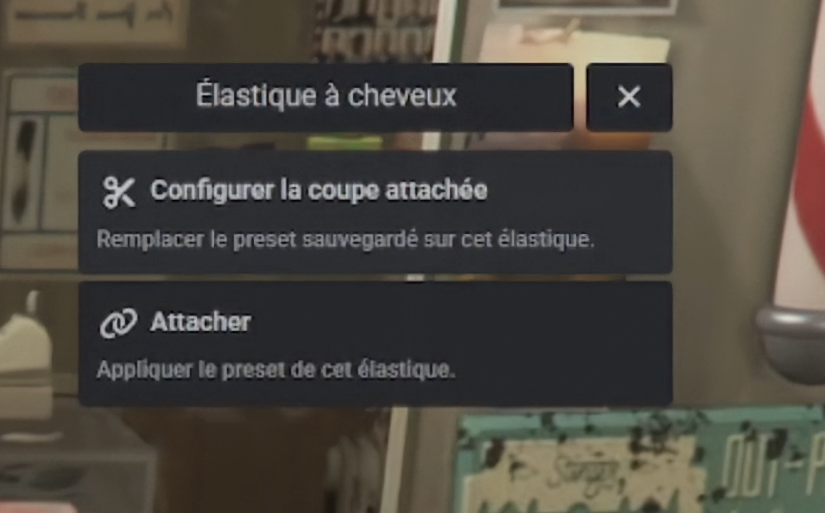
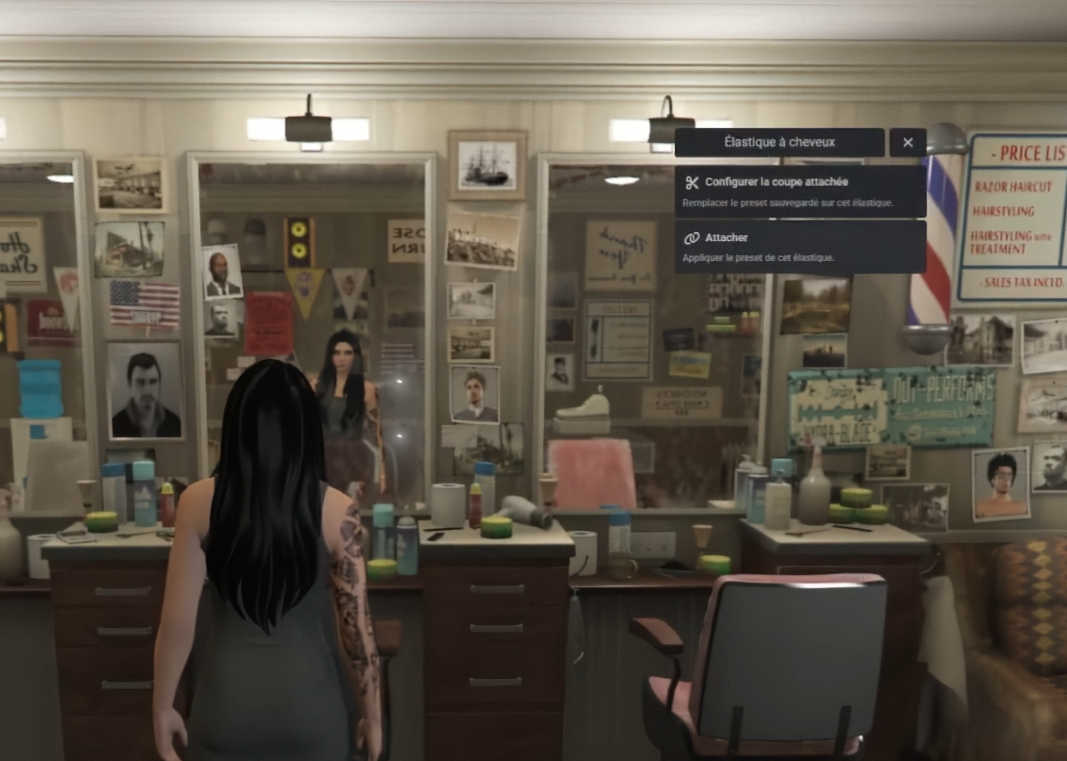
One-click toggle: Attach / Detach directly from an ox_lib context menu.
-
In-game configuration: set the tied-hair preset using illenium-appearance customization (hair-only UI).
-
Safe restore system: detaching restores your “base” hairstyle safely (prevents issues with servers that auto-save appearance changes).
-
Optional fade (hairline) support: saves/applies hairline via ZONE_HAIR tattoo (configurable).
-
Escrow-ready: includes
escrow_ignorefor config/docs/icon (customers can edit config & read docs).
Framework / Inventory Compatibility
This resource is framework-friendly and focuses on inventory metadata storage:
-
✅ ESX (with ox_inventory recommended)
-
✅ QBCore (works with ox_inventory OR QBCore item metadata)
-
✅ ox_core (with ox_inventory)
-
Recommended backend: ox_inventory (best persistence + easiest cross-framework support)
Dependencies
Required:
-
ox_lib
-
illenium-appearance
Inventory backend (choose one):
-
ox_inventory (recommended)
OR -
qb-core with qb-inventory style metadata (QBCore only)
Installation (Quick)
- Drop the resource:
resources/[ah]/ah_hairtie - Ensure order:
ensure ox_lib
ensure illenium-appearance
ensure ah_hairtie - Add the item in your inventory (snippets included in the package).
- Copy the included icon
hairtie.pnginto your inventory images folder.
Config Options
-
Item name (
Config.ItemName) -
Inventory backend (
Config.Inventory: auto/ox/qb) -
Safe restore behavior (DB restore vs snapshot)
-
Save/apply fade (hairline) toggle
-
Menu usage & “apply after configure” option
Performance
Designed to be lightweight:
-
Runs only on item use + short callbacks (no constant loops)
-
Minimal client logic, server validates and stores metadata
Support
Full support is available via Discord : discord.gg/6kS659NYfZ
Refund Policy
No refunds will be provided, as this is an instantly downloadable digital product.
If you have any issue, please contact support on Discord and we will help you.
Tebex Ready + Licensing
Prepared for Tebex / Cfx asset delivery.
-
Script by: AH SCRIPTS — Do not resell / redistribute / modify without explicit written consent.
-
Full support is provided via Discord (setup help, troubleshooting, and updates).
-
No refunds will be issued, as this is an instantly downloadable digital package. Full support for any issues is available via Discord: https://discord.gg/6kS659NYfZ